Paying Invoices
Because we allow all users, including trial users, to purchase shipping insurance, we require that users enter a credit card before being able to use SixBit. By default, monthly subscriptions will then be charged to the credit card if you do not unsubscribe before the end of your trial.  If you do not have a valid credit card on file, the invoice will need to be paid manually.

To view or pay your invoices:
- Login to the SixBit Account.
- Select My Invoices from the Billing drop down on the header navigation bar.
- Find the invoice to be viewed or paid you want to view or pay, and click the View Invoice link.
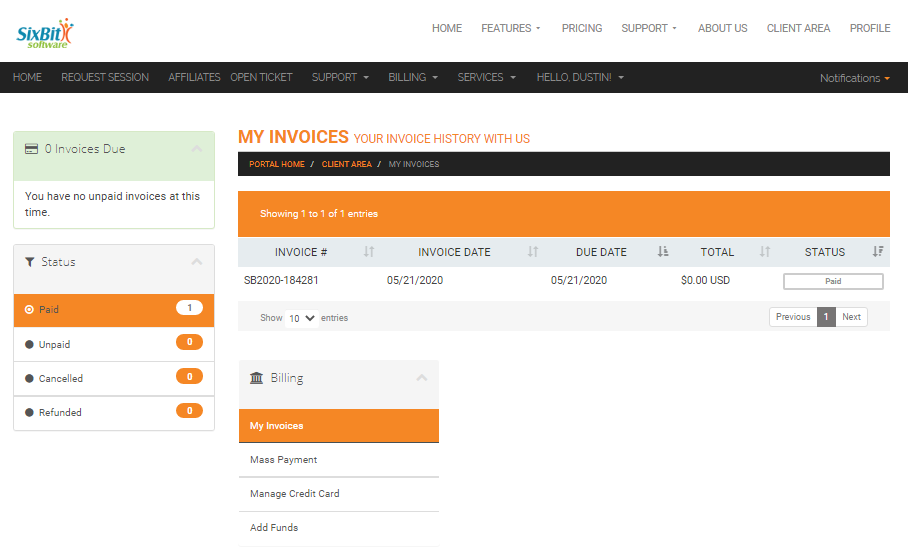
- The invoice will appear in a new window. If payment is due, it can be paid by clicking the Pay Now button.