Cancelling Your Subscription
As much as we do not like to think about it, there may be a time when the subscription may need to be canceled.

|
We hate to give up without a fight. If you would like to continue to use SixBit, but are having an issue you can't resolve, you can contact us directly at (support@sixbitsoftware.com) |

To cancel your subscription:
- Login to the SixBit Account.
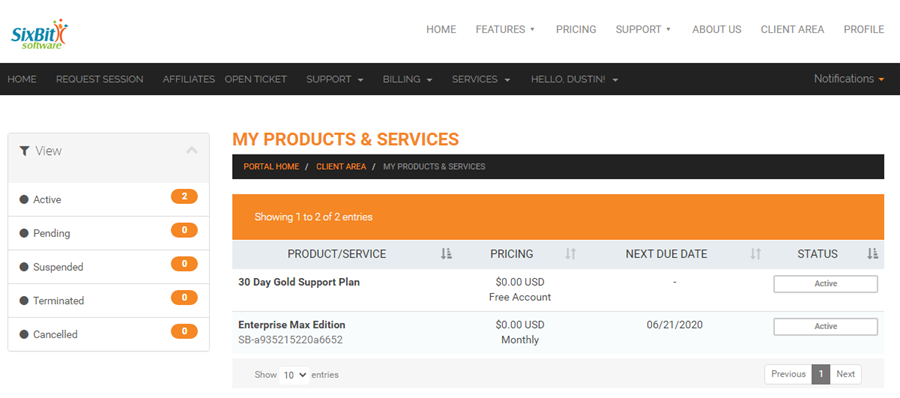
- Select My Services from the Services drop down on the header navigation bar.
- Click View Details.
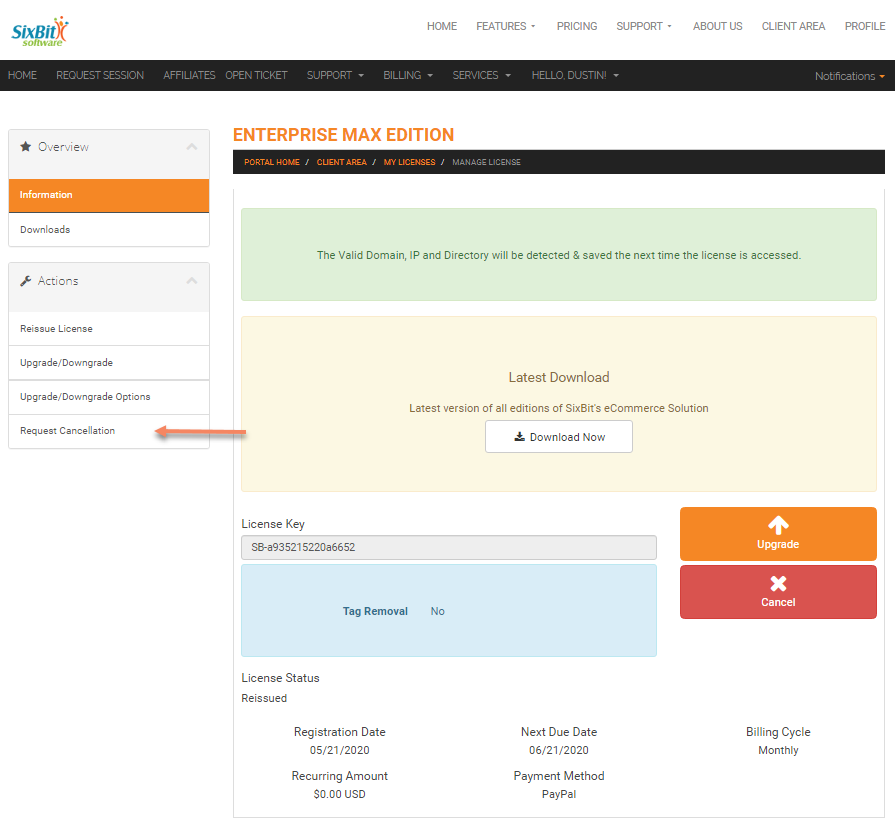
- Select Request Cancellation from the Management Options drop down.
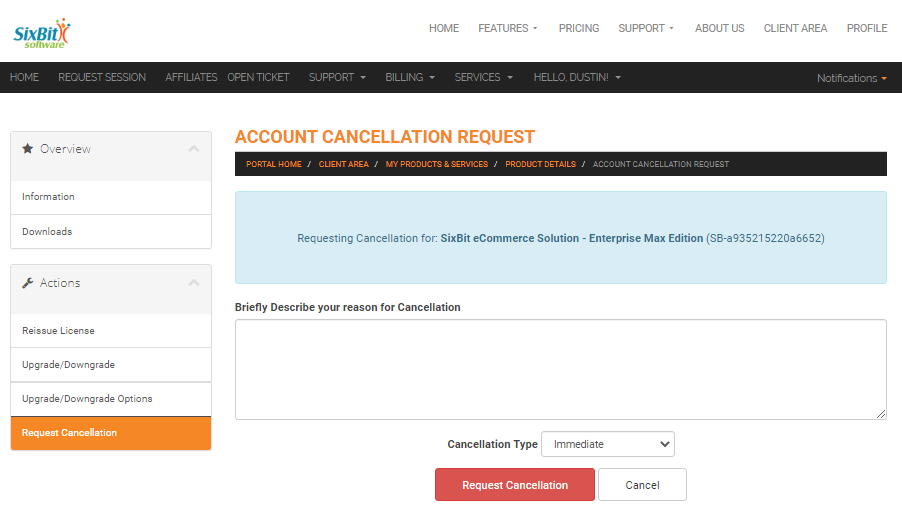
- Enter the reason for cancellation and click the Request Cancellation button again. By the way, have we mentioned how much we hate to see you go?