Batch Editing Items
Batch Edit Items allows you to make changes to multiple existing item records at the same time. It works similarly to editing items by Importing from a Comma Separated Values Flat File file, but it gives you the ability to review and update the selected items directly in SixBit before saving the changes. While CSV import offers more field and formatting options for larger or more complex updates, Batch Edit is a convenient way to quickly update multiple items from within the item grid.

To edit multiple items in a batch:
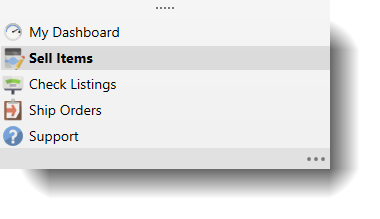
- Open the Sell Items mode. How?How? From the Mode selector in the lower left, choose Sell Items.
- From the grid, select the items that will be revised.
- Click the arrow under the Edit button in the ribbon bar and choose Batch Edit Items.
- Consult Using the Batch Edit Window for information on making changes to the items.