Adding or Removing Add-on Modules
In order to provide sellers with the functionality they need at a price they can afford, some of our features are included as addons that may purchased for an additional subscription fee. By providing functionality through addons, we can continue to deliver the features our users need without requiring sellers to pay for features they don't need. You can add or remove any of our additional modules easily without incurring any penalties.

To add/remove an Addon Module:
- Login to the SixBit Account.
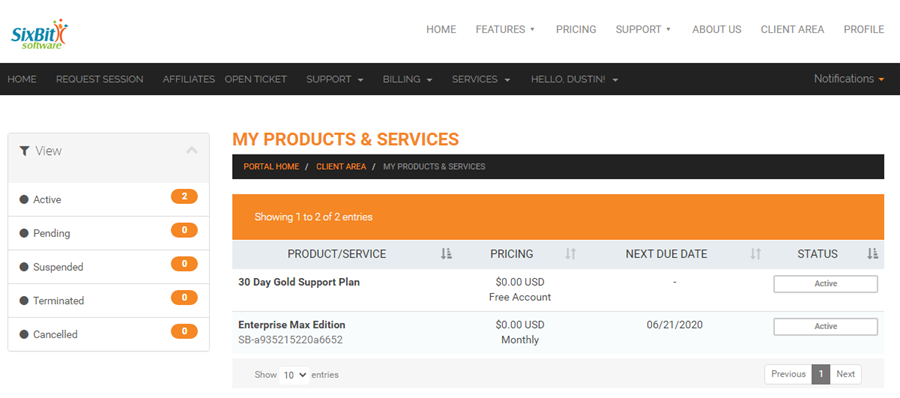
- Select My Services from the Services drop down on the header navigation bar.
- Click View Details.
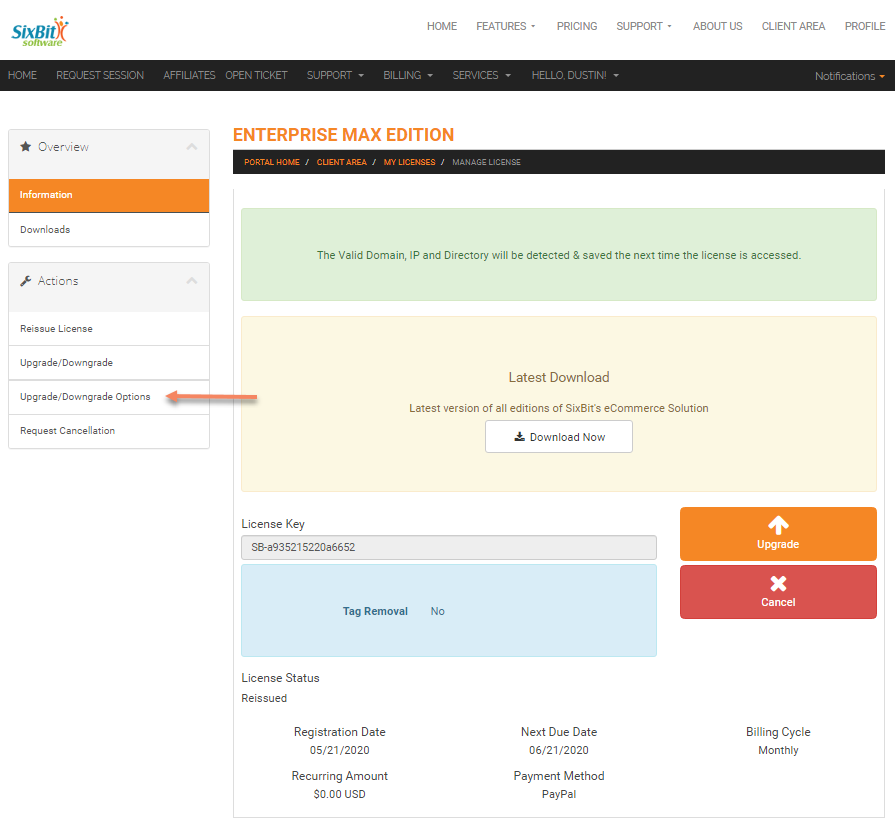
- Select Add/Remove Addon Modules from the Management Options drop down. on the header navigation bar.
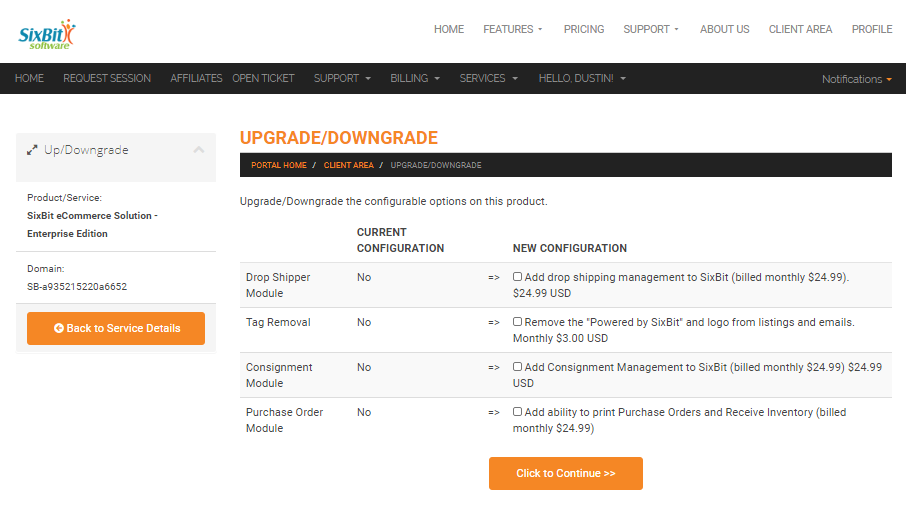
- Check any boxes for addon modules to be added or uncheck any boxes for addons to be removed.
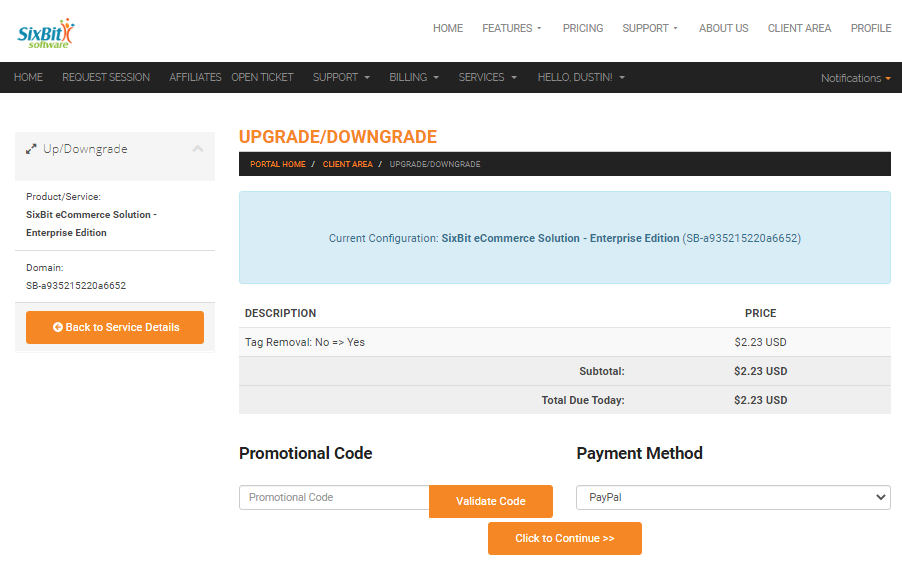
- Click the Click to Continue box.
- Verify the add-on price and hit Click to Continue again.