Adding Funds to Your Account
If you prefer not to keep a credit card on file, funds can be added to the account. As invoices arise for shipping insurance and subscription, the funds that have been added will be used.

To add funds to your account:
- Login to the SixBit Account.
-
Select Add Funds from the Billing drop down on the header navigation bar.
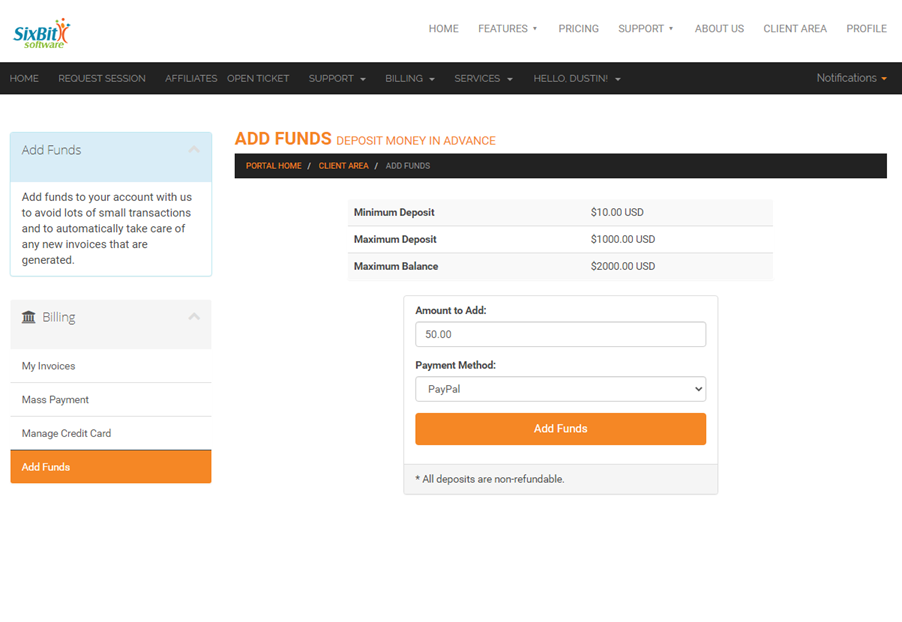
- Enter the amount to be added and the payment method,
- Click Add Funds. Once added, invoices will no longer be received until the funds have been depleted.