Adding Additional Contacts
If there are multiple people in the company who perform different tasks, they can be added as additional contacts to ensure the right emails from SixBit are getting to the right person.

To add additional email contacts:
- Login to the SixBit Account.
- Click Update Your Details.
- Click Contacts/Sub-Accounts.
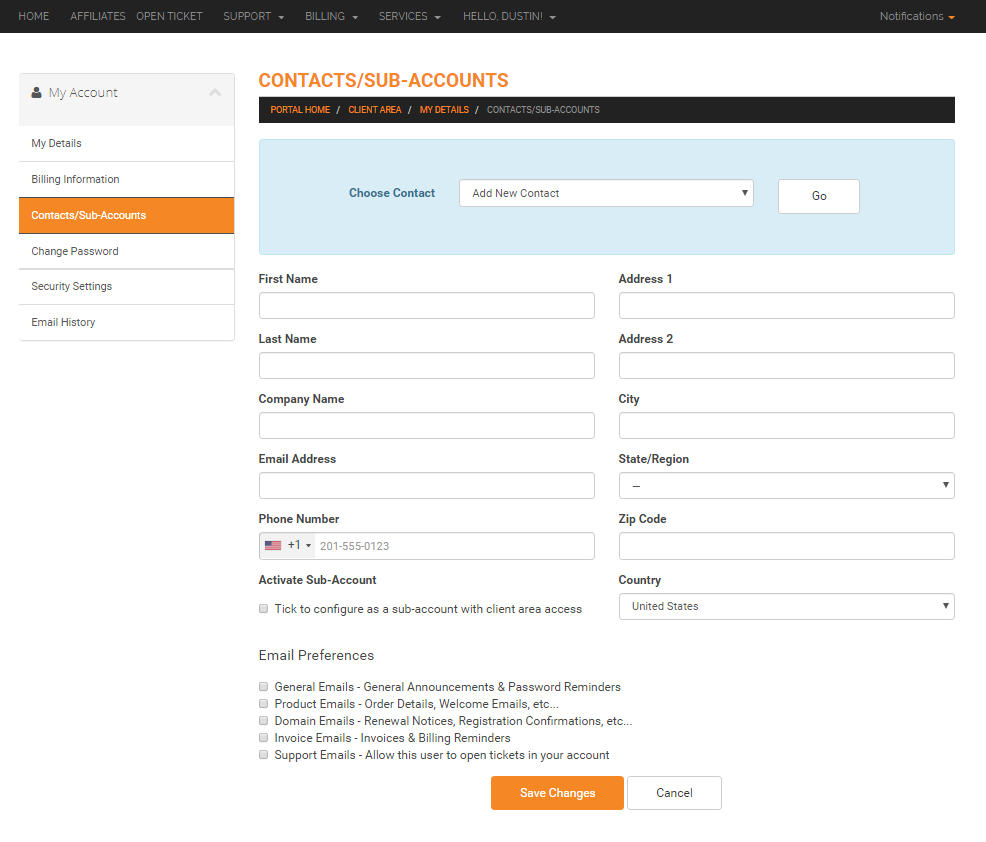
- Select Add New Contact from the Choose Contact drop down.
- Add the required contact information and select the applicable Email Preferences.
- Click Save Changes.