Account Password and Security

To change a SixBit Account password or security question:
- Login to the SixBit Account.
- Click Update Your Details.
- Click Change Password.
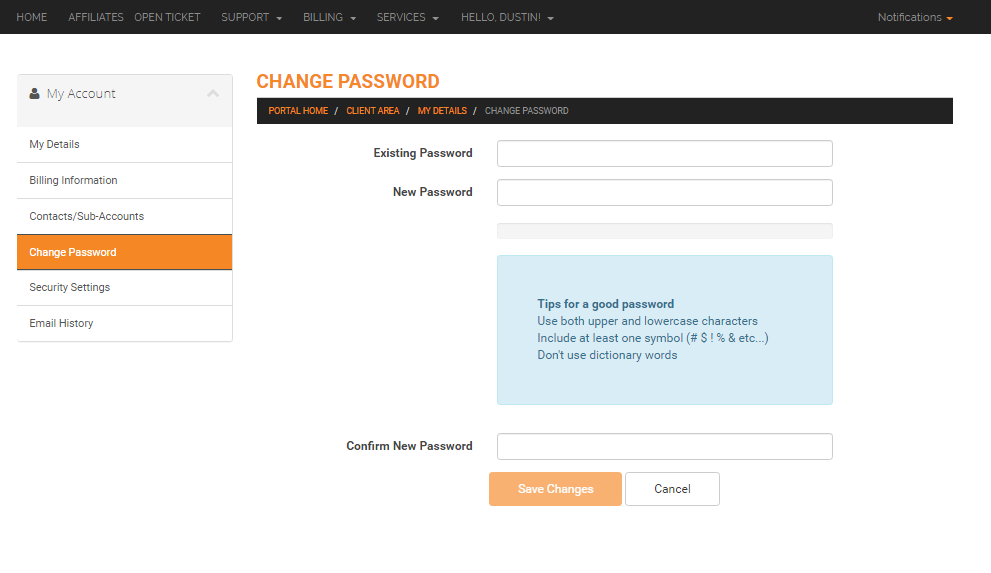
- Enter the Existing Password and the New Password.
- Click Save Changes.
- Click Change Security Question in the sub header navigation bar to make changes to the security question.
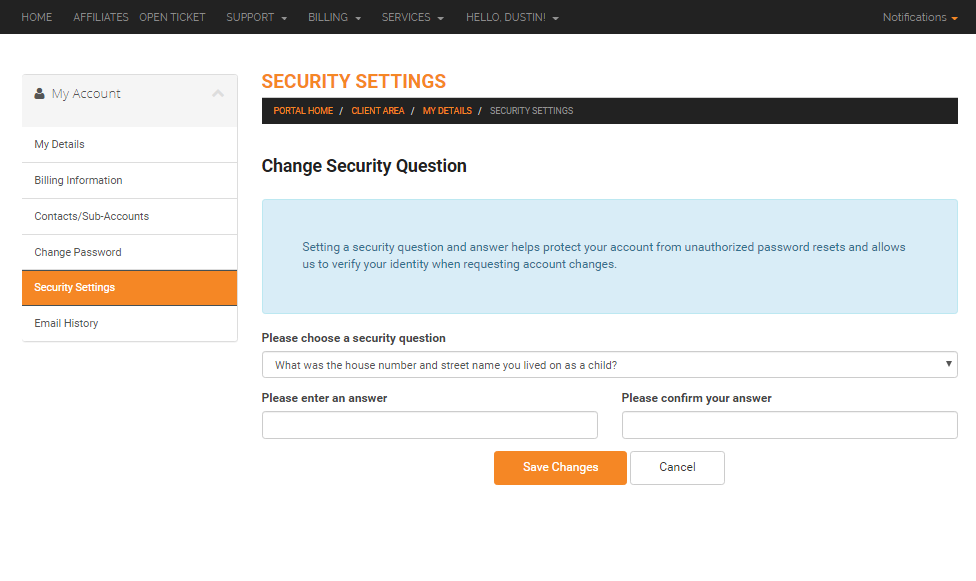
- Choose a question and answer and then click Save Changes.